Download
Install Cadenyx on your Windows PC and make your first song into two videos.
System requirements
- Windows 10 or 11, 64-bit
- An internet connection
- About 2 GB of free disk space
Download Free Trial
Try one complete song for free. Both trial videos carry a watermark.
The installer download will open at launch.
Install on Windows
The independent developer has not purchased a code-signing certificate, so Microsoft Defender SmartScreen may show “Windows protected your PC”. If you downloaded the installer from the official Cadenyx link above, follow these steps.
Choose More info.
Choose Run anyway to open the installer.
SmartScreen illustrations
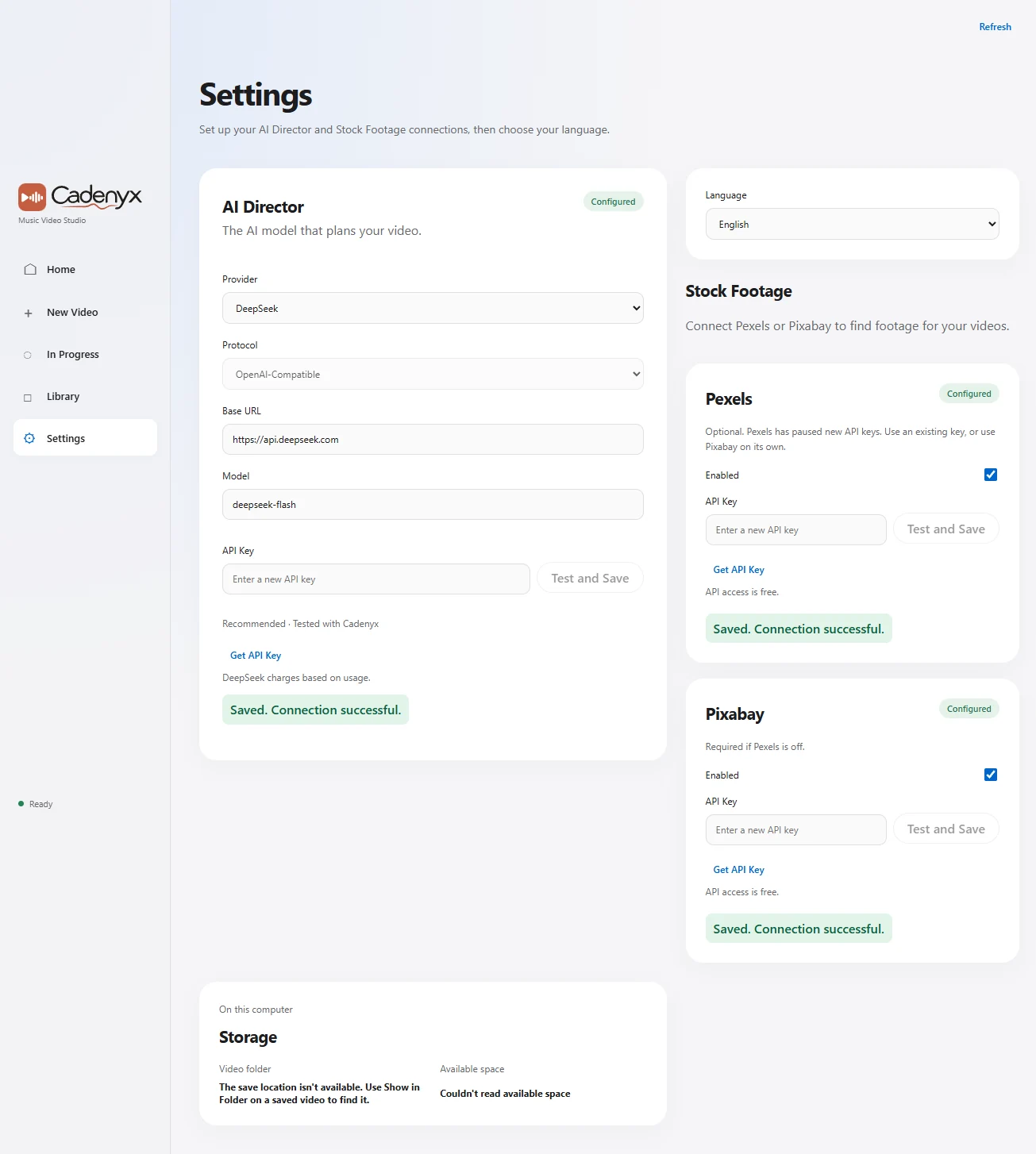
Set up your API keys
Enter a key for your chosen AI service and the required free Pixabay key in Cadenyx Settings. We recommend DeepSeek for AI. You can enter an existing Pexels key or use Coverr as an optional extra footage source. Optional extra source with a smaller catalog. Only vertical clips are used, and clips below the resolution requirement are skipped. Demo keys allow up to 50 requests per hour.